

What Is Upfirst? AI Call Answering for Contractors Explained
Upfirst is a pure AI answering service. No human receptionists, no hybrid model, no backup agents on standby. When a customer calls your business number, an AI picks up on the first ring, greets them by your company name, handles the conversation, and routes or logs it based on rules you set up. That’s the whole product.
It was built by Gene Sigalov and Felix Dubinsky, two founders who previously built SimpleTexting — a text messaging platform for small businesses that they sold. Gene started it after running a small law practice and watching missed calls cost him clients he’d never even spoken to. Traditional answering services were charging $10 per call, which made them economically impossible for a small operation. His solution was to build something affordable enough that any small business owner could rationalize trying it, with setup simple enough that you don’t need an IT person to configure it.
That origin story matters because it explains why Upfirst is priced and designed the way it is. This is not a platform built for enterprise or even mid-market businesses. It’s built for the solo plumber who can’t answer calls while he’s under a sink, the two-person HVAC crew that loses leads every afternoon when both techs are on jobs, and the roofing contractor who’s up on someone’s roof when a hailstorm referral calls. The entire product philosophy is: get it in front of people who can’t afford not to have it.
Heads up: I haven’t personally run my own business lines through Upfirst yet — that’s on the to-do list for a live demo and I’ll update this when I do. This review is built from their documentation, industry pages, integration guides, and what limited customer feedback is publicly available. Take the missing hands-on section as a flag rather than a knock on the product — I’m applying the same standard I do to every review here.
How Upfirst Handles Contractor Calls
Walk through what actually happens when a customer calls your number after you’ve set up Upfirst.
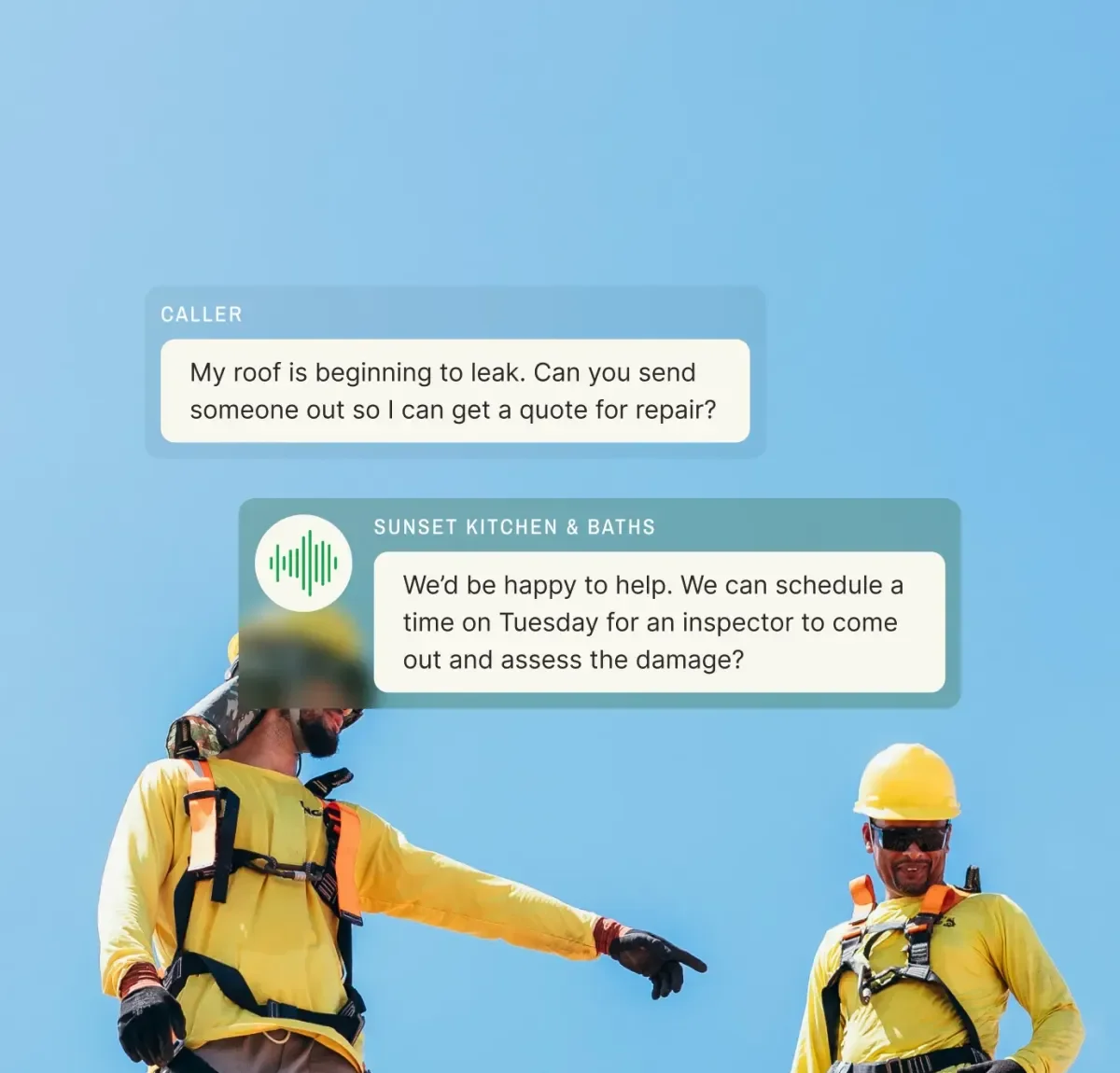
Your existing business number forwards to Upfirst. The AI picks up on the first ring — no rings to voicemail, no “we’re sorry, all representatives are busy.” The caller hears your business name, your custom greeting, and then has a real conversation with the AI. Not a robotic phone tree asking them to “press 1 for scheduling.” A back-and-forth conversation where the AI collects information, answers questions, and takes the appropriate next step.
For a roofing contractor, that might look like: caller says they had storm damage and need a free estimate. The AI asks for the property address, what type of roof (shingle, metal, TPO), whether they have homeowners insurance, and a good callback number. It offers available slots on your calendar if you’ve connected Google Calendar or Outlook. It texts the caller a scheduling link during the conversation. You get a text and email with the complete call summary before the caller’s even hung up.
For HVAC: someone calls at 9 PM because their furnace stopped working. The AI detects the emergency keywords you configured — “no heat,” “furnace isn’t working,” “it’s freezing in here” — and routes the call directly to your on-call tech’s number. No delay, no morning callback that’s too late.
The workflow is the same across trades. You configure what questions get asked, what counts as an emergency, where calls get routed, and what information gets captured. The AI executes it consistently on every call, at 2 PM on a Tuesday or 11 PM on Saturday.
Upfirst Features: What’s Included on Every Plan
Per-Call Billing
This is the feature that makes Upfirst’s pricing genuinely attractive. You pay per call, not per minute. A two-minute call and a ten-minute call cost the same against your plan. Compare that to per-minute services where a caller who rambles or asks several questions can burn through your monthly allotment in a handful of calls.
Also worth knowing: calls under 15 seconds don’t count. Spam calls are automatically blocked and don’t count. If you forward your number and Upfirst picks up a robocall, you’re not charged. For contractors whose numbers get hammered by insurance lead generators and warranty scammers, this adds up.
Customizable Knowledge Base
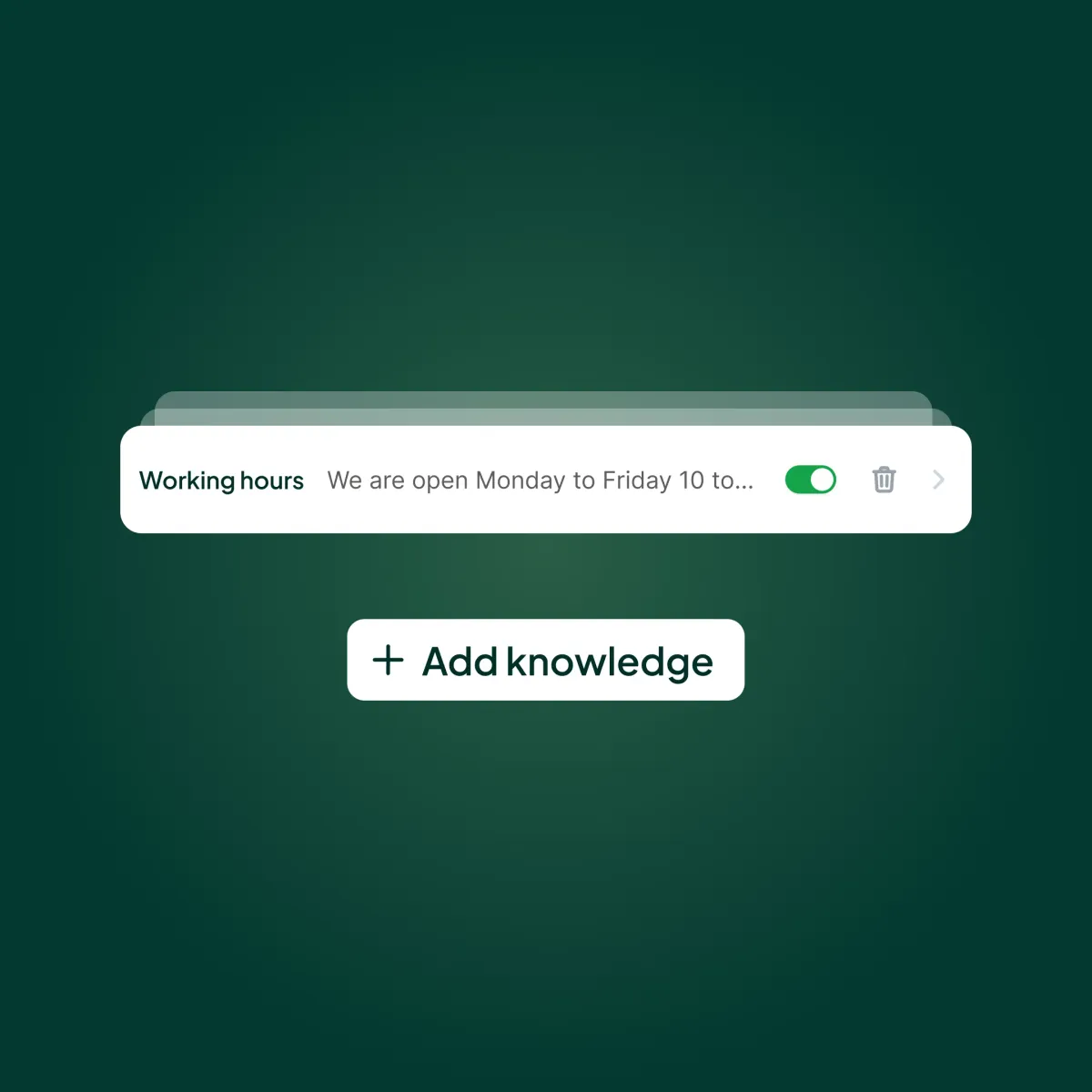
You train Upfirst on your business. This isn’t filling out a form — you can load in your service areas, what trades you cover, your pricing ranges, your typical project timelines, how you handle insurance claims, and any FAQ that comes up on calls regularly. A roofing contractor can load in details about materials they use, warranty terms, and how the insurance supplement process works. An HVAC company can describe maintenance plans, what brands they service, and their diagnostic fee structure.
The AI references this when callers ask questions. A caller asking “do you do commercial roofing?” or “do you guys service Trane systems?” gets an accurate answer because you told Upfirst what to say — not because the AI is guessing.
Lead Qualification With Custom Questions
You define what information gets collected on every call. Name, phone number, and service address are obvious. Beyond that, you set the intake questions specific to your trade and your business.
A roofer might add: roof type, is this insurance or out-of-pocket, approximate square footage, any previous patches done. An HVAC company might ask: system age, last time serviced, is the system completely down or just underperforming. The AI asks every caller these questions before ending the call, so you get consistent, complete lead data instead of “John called, wants a quote, no other info.”
Emergency Routing
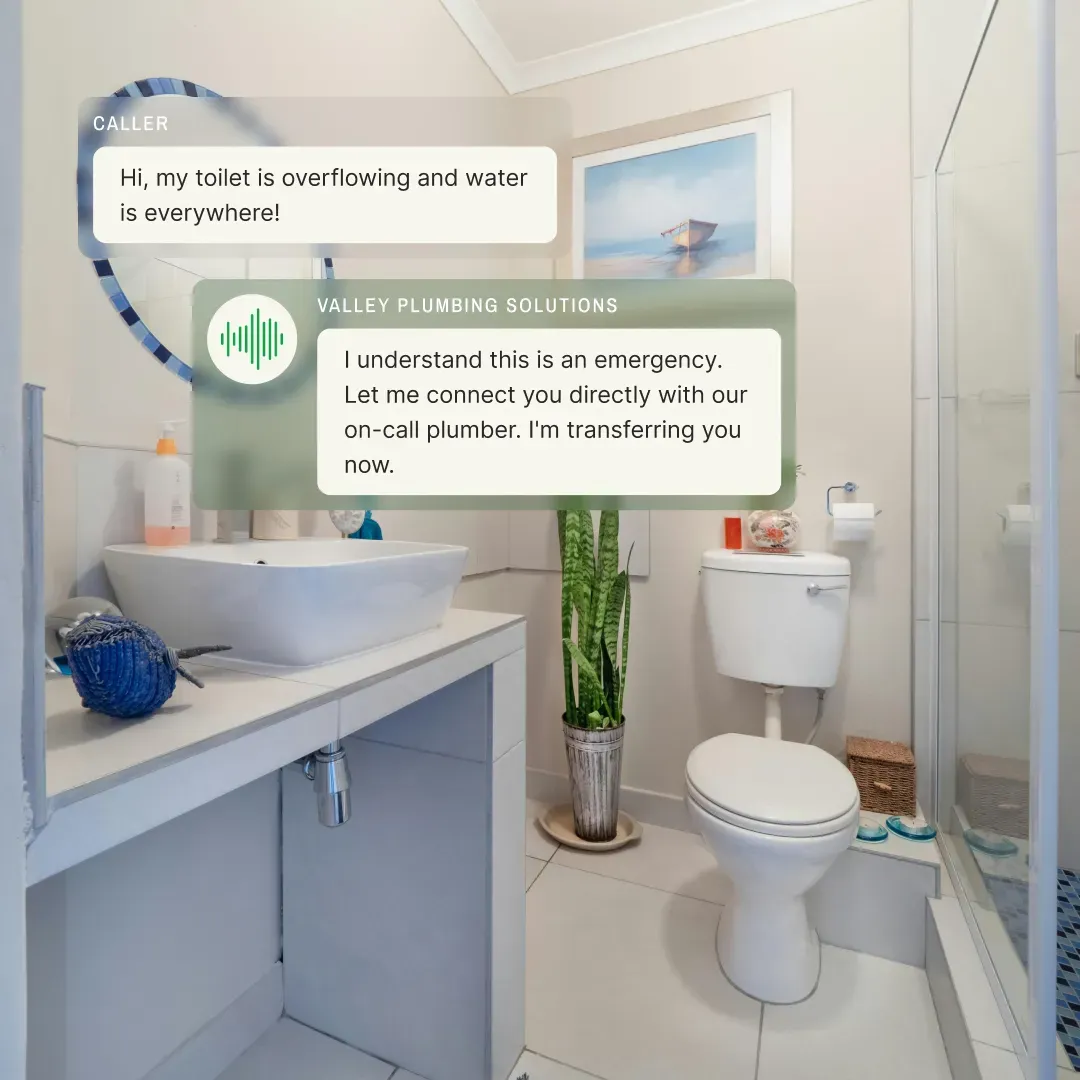
This is essential for HVAC, plumbing, and restoration contractors. You set keyword triggers — any combination of phrases that indicate a customer has an urgent situation. When those keywords come up in the conversation, Upfirst stops the standard intake flow and connects the caller directly to your phone or to a designated on-call technician.
You can set different routing rules for business hours versus nights and weekends. A daytime emergency might route to the front office. An after-hours emergency routes directly to the on-call tech’s cell. You can also set up SMS notifications to multiple people when an emergency call comes in.
Bilingual and Multilingual Support
Upfirst supports 35+ languages. The AI detects the caller’s language automatically and responds in kind. This isn’t a paid add-on — it’s included on every plan, including the $24.95 Starter.
For contractors working in markets with significant Spanish-speaking customer bases — which is a large percentage of painting, landscaping, and residential remodeling businesses in the South and Southwest — this removes a real barrier. A Spanish-speaking homeowner who calls and gets greeted in English by an AI is going to hang up. One who gets a Spanish response has a real conversation.
Call Recording, Transcription, and Summaries
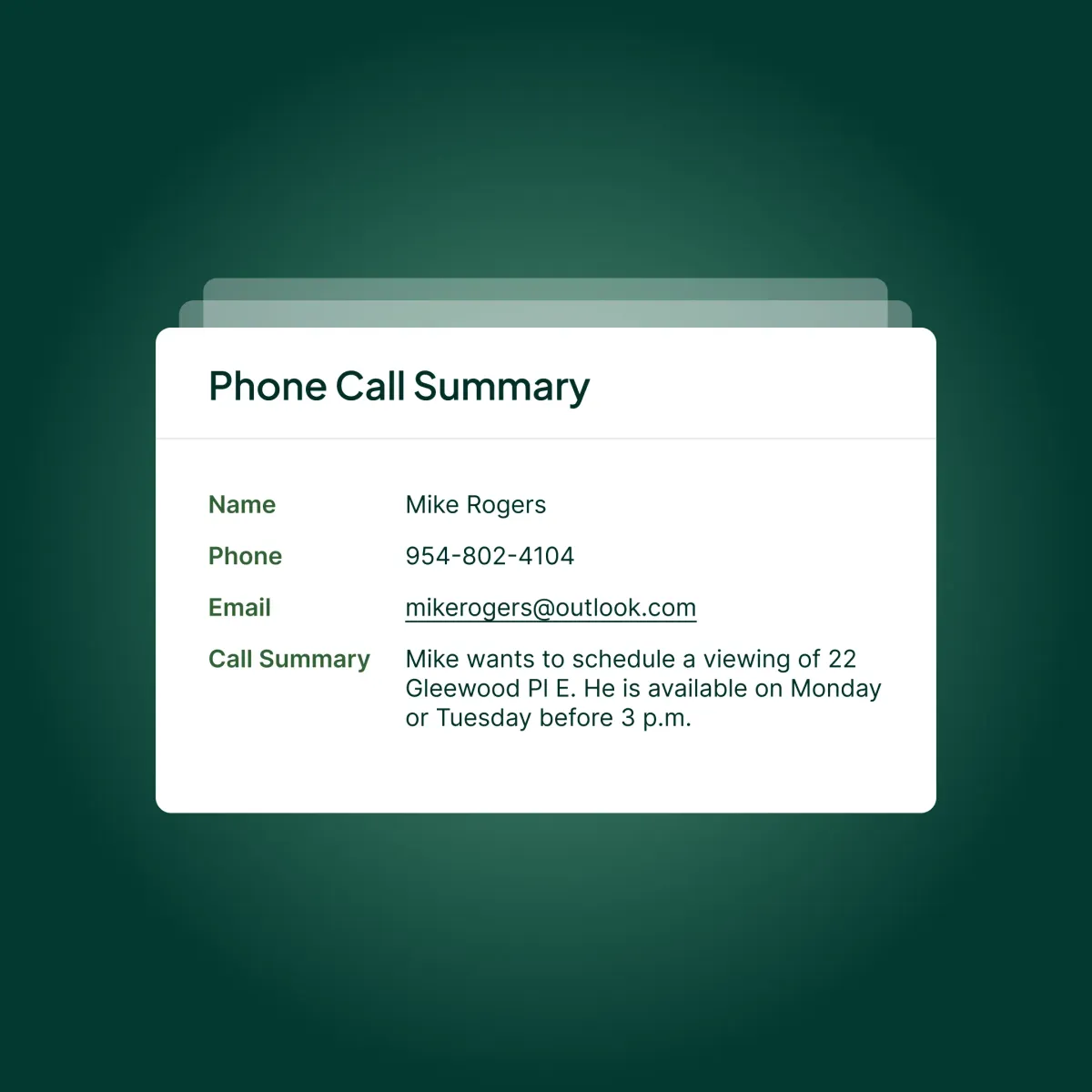
Every call gets recorded, transcribed, and summarized. The summary lands in your email or via SMS within seconds of the call ending. You get the caller’s name, number, reason for calling, the questions the AI asked and the answers it received, and a full transcript if you want the details.
This creates a paper trail for every inbound call that most contractors have never had before. You can go back and listen to any call, verify what was communicated, and identify patterns in what callers are asking that you didn’t know people wanted to know.
Upfirst Pricing: What Each Plan Actually Covers
All four plans include the same feature set. No feature gating by tier — the difference is entirely in how many calls are included and the per-call overage rate.
| Plan | Monthly | Annual | Calls/Mo | Overage |
|---|---|---|---|---|
| Starter | $24.95 | $20/mo | 30 | $1.50/call |
| Premium | $59.95 | $48/mo | 90 | $1.00/call |
| Pro | $159.95 | $128/mo | 300 | $0.75/call |
| Scale | $299.00 | $240/mo | 600 | $0.70/call |
A few things worth doing the math on before you choose a plan.
30 calls runs out faster than you think. If you’re a solo contractor getting 10-15 calls a week, you’ll blow through 30 in two to three days. The Starter plan makes sense for very low-volume operations or for testing the product, but most active contractors should be on Premium or Pro.
Annual saves 20%. If you stay with Upfirst after the trial, the annual plan is worth it. Pro goes from $159.95/mo to $128/mo on annual billing — that’s $383.40 saved per year.
Overage pricing is reasonable. At $0.75-$1.50/call on overages, you’re not getting gouged if you go over your allotment. Compare that to Smith.ai, where hybrid plan overages run $9.75/call.
The 14-day free trial is genuinely free. No credit card required. Full access to every feature. Most contractors can get a clear read on whether this works for their call volume and caller type within two weeks.
Upfirst for Contractors: How It Works by Trade
Upfirst for Roofing Contractors
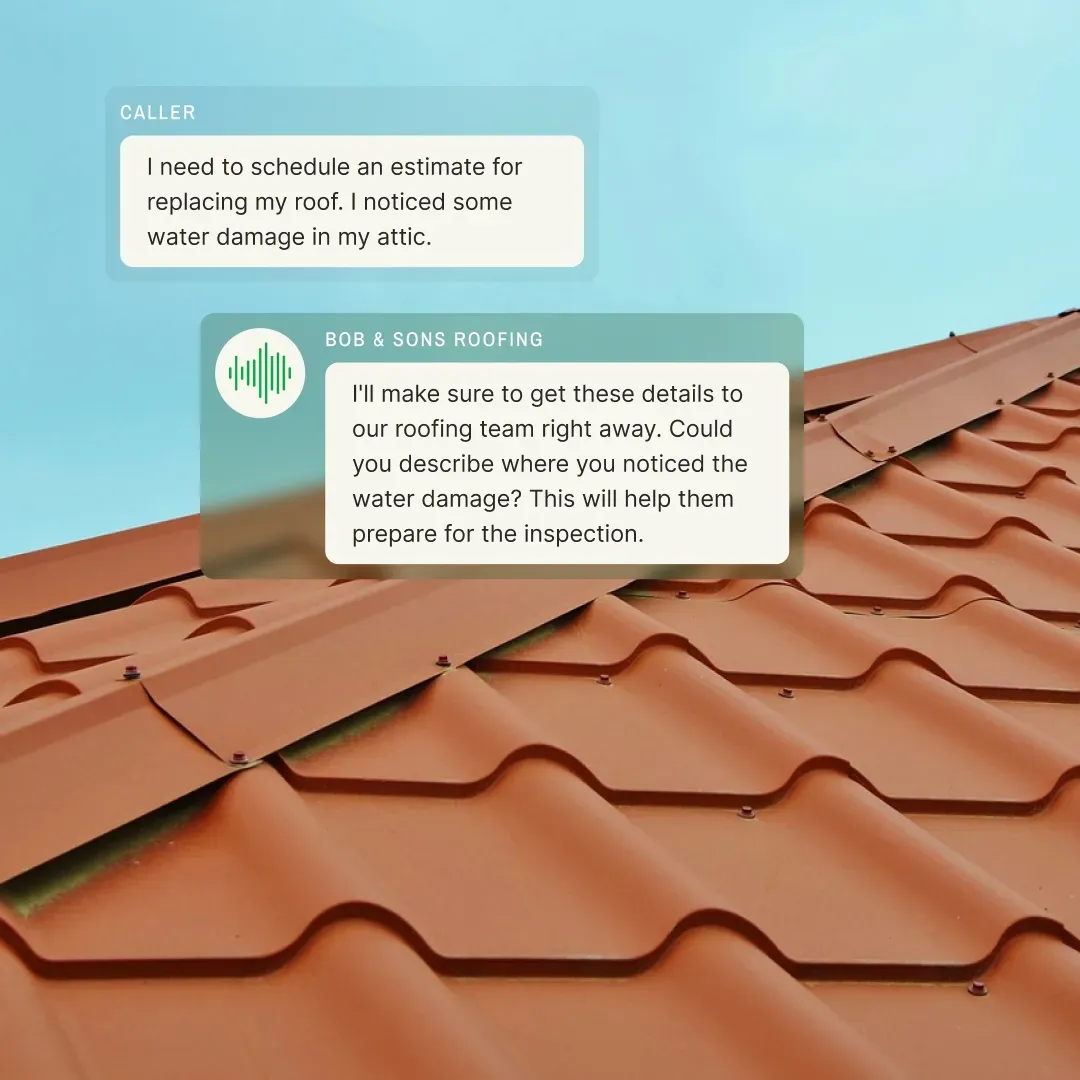
Upfirst’s roofing page is specific enough to be useful. The AI can collect the property address, roof type, material preferences, insurance status, and whether this is an inspection request or active damage. For storm season leads, where you’re getting flooded with calls and need to triage quickly, that intake information gets captured on every single call — no leads lost to voicemail, no callback list that sits until Monday.
The AccuLynx integration is notable here. Roofing contractors on AccuLynx can push call data directly from Upfirst without a Zapier middleman. That’s an unusual direct connection for a $24.95 product.
Upfirst for HVAC Companies
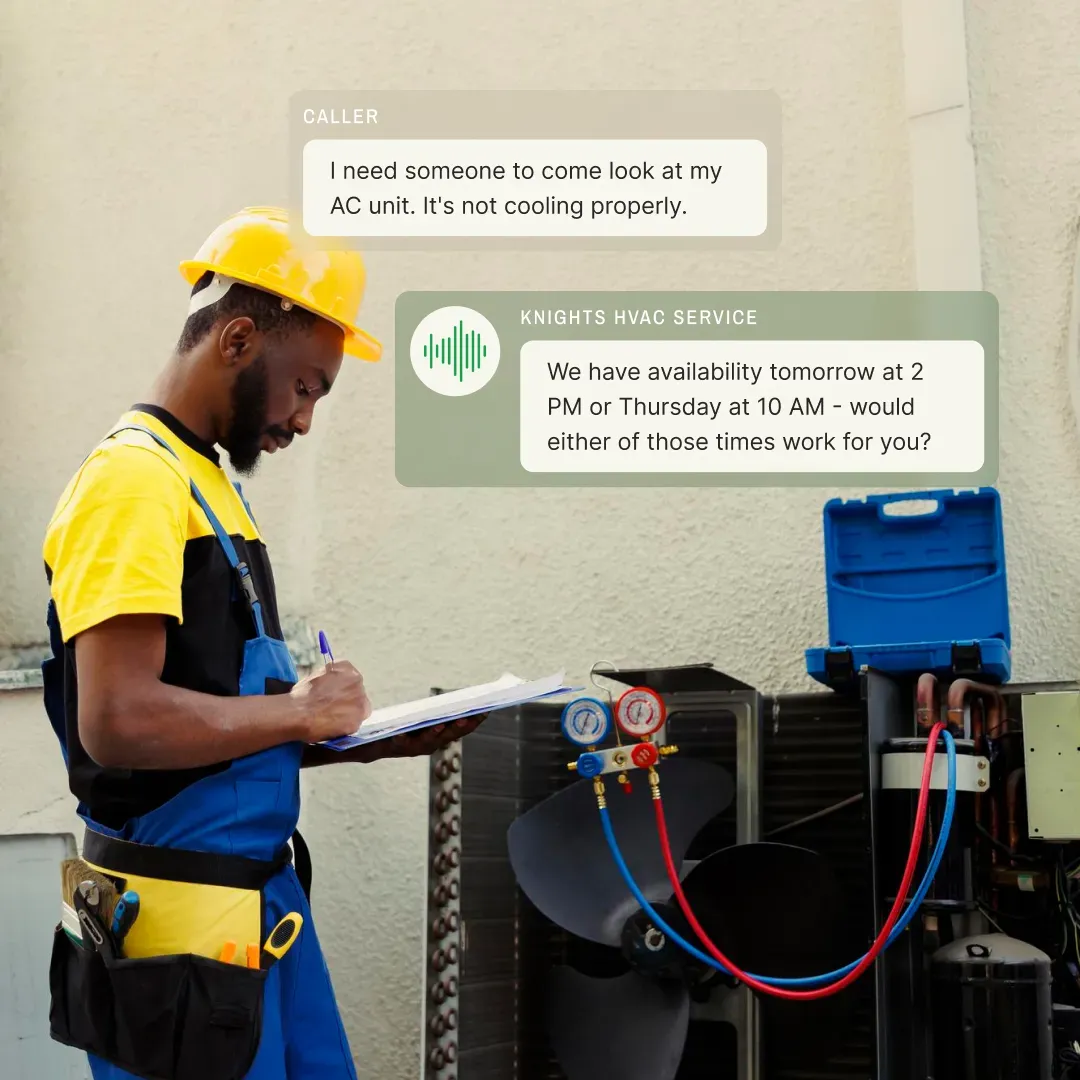
Emergency call handling is where Upfirst earns its money for HVAC contractors. You configure the system to detect phrases like “furnace isn’t working,” “AC is out,” “no heat,” and it immediately routes those to whoever’s on call. For after-hours emergencies — which in HVAC are often the highest-margin calls — this means no missed revenue because nobody answered at 10 PM.
Seasonal overflow management is also relevant. During heat waves and cold snaps, call volume can triple in 24 hours. Upfirst handles simultaneous calls without queueing — multiple people can call at the same time and all get answered immediately. ServiceTitan and Housecall Pro both connect natively.
Upfirst for Plumbers
Same emergency-routing logic applies. “Burst pipe,” “flooding,” “no hot water,” “sewer backup” — these route straight to your on-call tech. Routine calls (drain cleaning, water heater quotes, fixture replacement) go through standard intake. The ability to triage emergency versus non-urgent during the call itself saves both you and the customer time.
Upfirst for Electrical Contractors
Electrical tends to have fewer true emergencies than HVAC or plumbing, but the value of consistent call handling is still real. Service area screening, commercial versus residential intake, and permit-related questions can all be configured into the knowledge base. The language support is particularly valuable for electrical contractors doing work in multi-family buildings with mixed-language tenant populations.
Upfirst Integrations: Which Contractor Apps It Connects To
The integrations page shows 90+ connections, and the contractor-relevant list is legitimately strong for what Upfirst costs.
Native direct connections:
- ServiceTitan
- Housecall Pro
- Jobber
- JobNimbus
- AccuLynx
- Procore
- SingleOps
- GorillaDesk
- ServiceM8
- Google Calendar
- Outlook
Scheduling tools:
- Calendly
- Acuity Scheduling
- Setmore
- Cal.com
CRM and marketing:
- HubSpot
- Salesforce
- Pipedrive
- Mailchimp
Via Zapier: 1,000+ additional apps, including QuickBooks, Follow Up Boss, Google Sheets, Gmail, and practically anything else you’re running.
The Jobber and Housecall Pro native integrations are the ones most contractors will care about first. Call summaries push directly into the CRM — you don’t have to copy lead data by hand. New customer profiles get created automatically. The people who benefit from these integrations most are the contractors currently re-entering the same caller information into three different places.
Can Upfirst Plug Into an AI Agent Workflow?
This is a question worth answering honestly for contractors who are building automation stacks or who want to eventually connect their phone answering into a broader AI system.
The short version: sort of, but not directly.
Upfirst doesn’t have a documented REST API or a native webhook system. You cannot ping Upfirst’s endpoint directly from a custom agent, send it instructions programmatically, or have it trigger a callback to your own server when a specific call condition is met. The outbound data flow is through Zapier — which is robust and covers most use cases, but it’s middleware, not a direct connection.
What Zapier can do: when Upfirst logs a call, trigger a Zap that pushes that data to a webhook URL, a Google Sheet, HubSpot, or whatever you’re routing leads into. From that point, you can build whatever downstream automation you want — including feeding the call data to a Claude prompt, generating a follow-up email, or kicking off a workflow in your CRM.
For a contractor wanting to build a more sophisticated AI harness — where Upfirst is one node in a larger automated workflow that includes quote generation, follow-up scheduling, or CRM enrichment — Zapier as the connector is workable. Most of those workflows don’t need real-time streaming from the phone call anyway; they just need the call summary data to arrive reliably after the call ends.
Where Upfirst falls short for agentic use cases: if you want the AI to make decisions during the call based on data pulled from your CRM in real time, or if you want the voice agent to take actions in external systems while talking to the caller, Upfirst’s architecture doesn’t support that. The AI runs the conversation based on the scripts and knowledge base you configure ahead of time — it doesn’t make live API calls while on the phone.
Services like Smith.ai also rely on Zapier for most integrations, so Upfirst isn’t uniquely limited here. Purpose-built voice AI platforms with open API access (like Retell AI or Vapi.ai) are the right tools if deep agentic voice integration is your actual requirement. For most contractors, though, those platforms require significant technical setup that Upfirst is deliberately designed to avoid.
Upfirst Reviews: What Real Customers Are Saying
Upfirst launched in 2023 and the honest situation is that public review data is thin. There are no significant review volumes on G2, Capterra, or Trustpilot yet — which is a function of the company’s age, not necessarily a signal about product quality, but it’s worth acknowledging.
The testimonials on their site are video-format with specific business owners attached. The one that stands out for contractor audiences: Shannon LaFleur, owner of Handyman Pro, says flat out: “You guys have changed my life. I trust your program to take my calls without screwing things up and scaring people off.” That’s a contractor talking about the exact thing every contractor worries about with AI answering — will the AI sound bad enough to lose me a customer? Shannon’s answer is no.
Shannon LaFleur, owner of Handyman Pro, talks about what it's like to actually have Upfirst handling her calls.
The founders’ background at SimpleTexting gives me some confidence in the product DNA. SimpleTexting was used by hundreds of thousands of businesses before it was acquired. They understand how small business owners actually use communication tools — which tends to produce products with cleaner UX and fewer over-engineered features than competitors built by engineers who’ve never run a service business.
That said — I plan to run a live demo soon and will update this section with real results from calling my own test number and running it through different contractor call scenarios. Watch for that update.
Who Upfirst Is For (and Who Should Skip It)
Upfirst makes sense if:
- You’re a solo operator or a crew of 2-4 missing calls while on jobs
- You can’t justify $49-$97/mo for a dedicated answering service right now
- You want to test AI call answering without signing up for anything or putting in a credit card
- Your calls are mostly straightforward — appointment requests, service inquiries, estimates, pricing questions
- You have Spanish-speaking customers and need bilingual answering without paying extra for it
- You’re on ServiceTitan, Housecall Pro, Jobber, JobNimbus, or AccuLynx and want a direct integration
Upfirst probably isn’t for you if:
- Your callers regularly have complex, nuanced conversations that AI will stumble on — detailed insurance claim discussions, frustrated customers venting about previous work, or technical troubleshooting that requires real judgment
- You need the human backup safety net — if a fumbled call costs you a $15,000 job, Smith.ai’s hybrid model is worth the price difference
- You’re building a custom agentic workflow that requires direct API access to your voice system — Upfirst’s Zapier-based architecture will limit you
- You’re a larger operation getting 700+ calls per month — at that volume, enterprise solutions with more flexible pricing structures make more sense
- You want a mobile app for on-the-go call management — Upfirst is web dashboard and notification-based only
Upfirst vs Rosie, Goodcall, and Smith.ai: How It Stacks Up
vs. Rosie ($49/mo) — Rosie is purpose-built for home services and has more contractor-specific AI training out of the box. It costs $25 more per month to start, but includes 250 minutes instead of 30 calls — a meaningful difference in capacity for most contractors. If you’re doing any real call volume, Rosie is probably worth the extra $25. Upfirst wins on price for low-volume testing.
vs. Goodcall ($79/mo) — Goodcall’s model is fundamentally different: unlimited calls with per-customer pricing instead of per-call. For contractors with a lot of repeat callers (customers who call multiple times during a project), Goodcall can end up cheaper at scale. Upfirst is cheaper at entry and has more contractor-specific integrations. Goodcall is more of a general-purpose platform that markets to multiple industries including healthcare.
vs. Smith.ai ($95/mo+) — Smith.ai is the hybrid (AI + human) product that Upfirst is not trying to compete with directly. The price difference is significant — Smith.ai’s base AI Receptionist plan starts at $95/mo. For contractors who can’t afford to have AI fumble a high-value call, Smith.ai’s human backup justifies the premium. For everyone else, Upfirst at $24.95 is the obvious first step before committing to a more expensive service.
vs. Dialzara ($29/mo) — Similar price point, similar pure-AI model. Dialzara starts at $29/mo versus Upfirst’s $24.95, has emergency call detection built in, and has been around slightly longer with more independent reviews. Both are worth testing on a free trial before choosing.
For a full comparison of every AI call answering option for contractors, see the AI Call Answering category page.
The Bottom Line on Upfirst
The strongest argument for Upfirst isn’t about features — it’s about removing the excuse not to try AI call answering at all.
If you’re a contractor who’s been missing calls for two years because you can’t answer when you’re on a job, and you’ve talked yourself out of every answering service because the pricing felt like too much to risk on something you weren’t sure would work — Upfirst removes that objection entirely. Fourteen days free, no credit card, $24.95 a month after that. If it recovers one job you would have missed anyway, it’s already paid for itself for the rest of the year.
The honest caveats: it’s a young company without the review track record of Smith.ai or even Rosie, the Starter plan’s 30 calls is genuinely not enough for a busy contractor, and if you need human backup for complex calls, this product isn’t it.
But for what it is — an affordable, fast-setup, all-features-included AI receptionist that integrates with the CRMs contractors actually use — it’s the easiest yes in the AI call answering category.